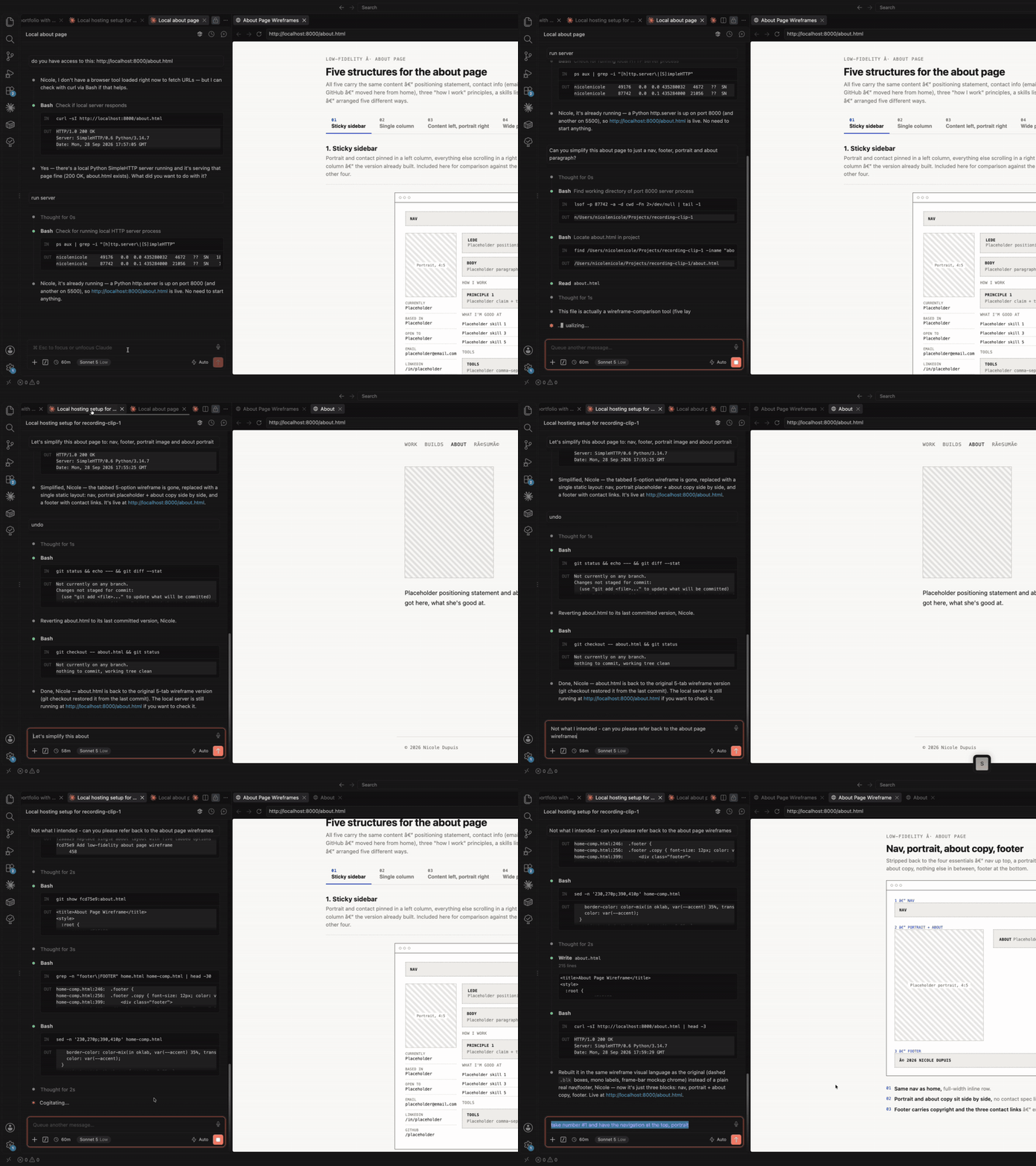
Can an AI coding assistant replace knowing how to code? I wanted an honest answer. I did not, before this, know what a Root Directory setting was, why an environment variable would vanish in production, or what happens when you put a password on a page strangers can reach. I kept a build log the entire time I built my portfolio with Claude Code in Next.js, deployed on Vercel, so I'd have a record. Every decision, every bug, every "no, undo that" is in it. If you're weighing an AI coding assistant for your own portfolio or side project, here's what the process looks like, pitfalls and all.
What I built (and the stack)
A personal portfolio: home, an about page, a case-study index, individual case-study and build detail pages, and a password-gated section for client work I can't show publicly.
- Framework: Next.js
- Styling: a hand-rolled CSS design system, no component library
- Hosting: Vercel
- Version control: GitHub
- AI pair: Claude Code, which wrote nearly all of the implementation
I wrote none of the code by hand. I directed it, reviewed every change, rejected a lot of it. More on that below.
Why I moved off Lovable and onto Claude Code
This wasn't my first portfolio. The old one was built on Lovable, and I switched for reasons worth naming, since "which AI tool should I build my site with" is the question behind this post.
Small text edits used up tokens
Changing one sentence of copy cost the same kind of request as a structural change. On a token-limited plan, that meant rationing wording tweaks the same way I'd ration a new feature, which is a bad incentive for a portfolio you're supposed to keep polishing.
The token limit itself was a constant tax
Iteration is most of the work, as this log shows. A tool that makes you feel the meter running on every small correction pushes you toward fewer, more hesitant requests, and fewer requests means fewer tries at finding the right version.
UI and prompt responses were unpredictable
The same kind of request could come back looking structurally different from one session to the next, with no clear line from what I asked to what I got.
It pulled in patterns I never pointed it at
I'd ask for a change and get back a layout or component pattern from some reference I hadn't named and didn't recognize, as if it were matching a training set and ignoring my instructions. That's the one that made me stop trusting it: I couldn't tell anymore whether a result reflected my direction or a source I never chose.
Claude Code, working directly against my own repo, didn't have that problem. Every reference in this post, the CSS-visibility technique, the case-study anatomy, the breakpoint audit, came from a site I pointed to on purpose. That difference is most of why this build log exists and the Lovable one doesn't.
New territory: learning Vercel, deployments, and production passwords for the first time
The design and CSS work was familiar. This wasn't: I'd never shipped a Next.js app to a host, never dealt with the gap between "works on my machine" and "works in production," never had to think about a password protecting a page visitors could hit.
Deploying takes more than "push to GitHub"
The first push went fine. The Vercel deploy that followed didn't: every route came back a bare infrastructure 404, including the homepage. Cause: the Next.js app was in a site/ subfolder, and Vercel's Root Directory setting defaulted to the repo root. Fixed that, still 404'd, because Framework Preset was set to "Other" instead of "Next.js"; without it, Vercel never runs Next's build and routing logic at all. Fixed both settings and the live deployment still needed an explicit Redeploy, since a settings change doesn't trigger one on its own. None of them showed up until I checked the live URL.
"Works locally" and "works in production" are different claims
The password-gate bug: a gitignored .env.local never reached Vercel, so the live site silently fell back to a hardcoded default. Locally the gate worked, because locally the variable existed. In production it didn't, and the code was never wrong.
A production password raises its own questions
Where is the password stored? In an environment variable. Secret or Config in Vercel? Config, because the check runs client-side. What happens to a visitor without it? A request-access flow, which needed its own bug review.
How the collaboration worked
Working with Claude Code day to day settled into three repeating modes.
1. Pointing at a reference and scoping it tightly
I'd hand Claude a URL, a site whose card layout I liked, or whose about page had the structure I wanted, and scope the request narrowly: "sizing and spacing only, not content or fonts." It would study the reference, name the technique (in one case, a CSS-visibility switch between two markups), and implement just that.
Lesson
Without a scope, "make it look like this" turned into ten unrelated changes. With one, I got a single diff to review.
2. Asking it to find my own inconsistencies
More than once I asked for a direct comparison: "check the home page cards against the work page cards," and got back mismatches I hadn't noticed: two different grid systems doing the same job, a card title at 15.5px in one place and 20px in another.
3. Correcting it, sometimes repeatedly, until it stuck
Some decisions took five or six rounds. The password gate reversed itself once before landing. That's what iterating looks like when you only know the target once you've seen it done wrong.
Looking at inspiration, then building my own design system
I didn't design in a vacuum. I kept a running list of sites whose specific choices I admired, a spacing rhythm here, a card behavior there, a way of handling a case-study header, and I'm deliberately not naming them. I used them to pull one technique at a time, never a whole layout. A typical instruction: "I like how this site handles the gap between a thumbnail and its caption, apply just that."
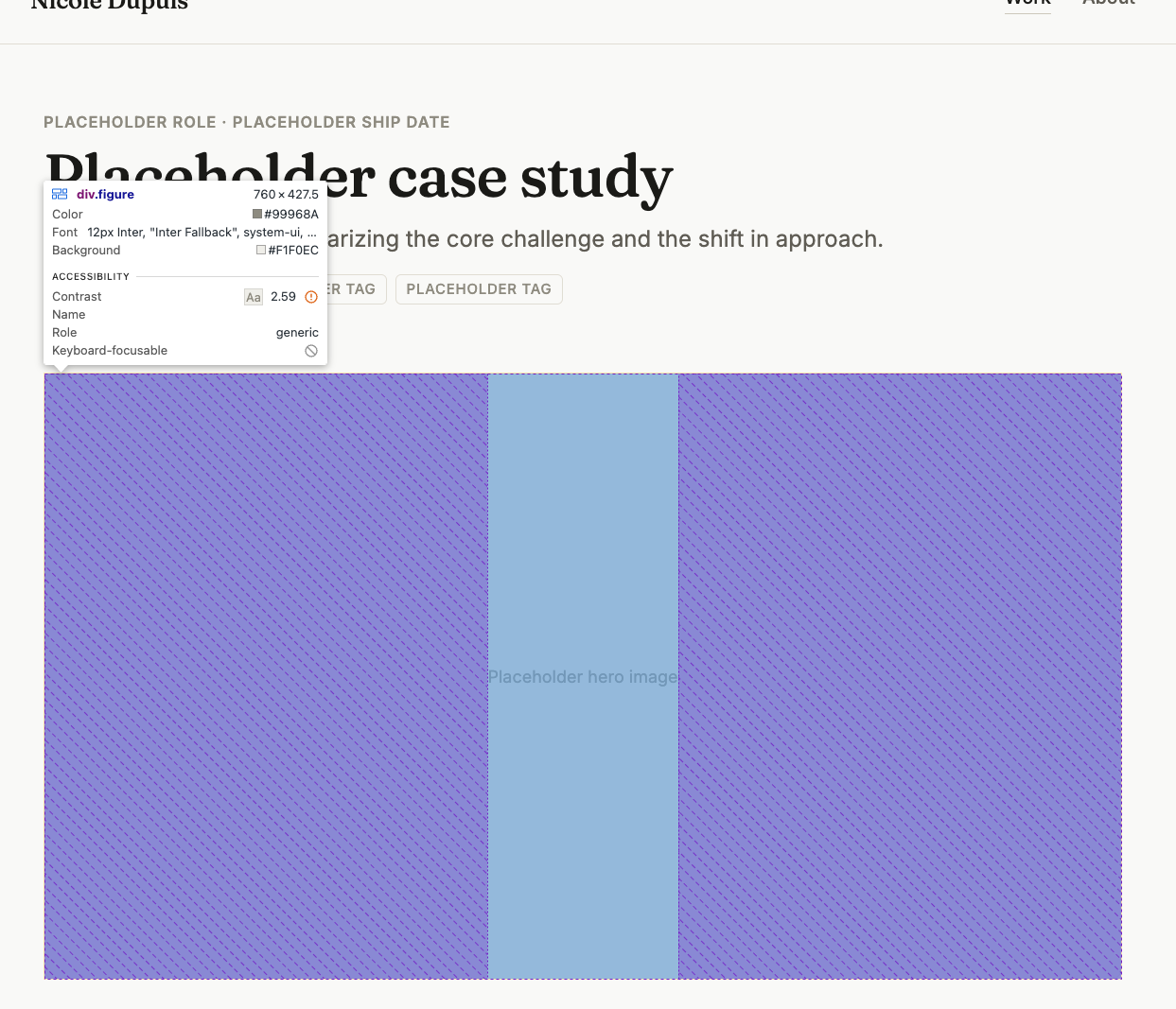
The harder, less visible work was turning those individual borrowed decisions into one coherent system instead of a pile of one-off choices. That meant tokens: color variables, a type scale, one shared spacing rhythm, one set of breakpoints, all defined once in globals.css and referenced everywhere instead of restated per component. Deploying that system consistently across every page turned out to be most of the work in this project, and most of the bugs in this log. A card's image ratio would be 16:9 on the homepage and 3:2 on the work index. A tag would render as a plain bordered label in one place and an uppercase pill in another. A breakpoint would be 768px in three places and a typo'd 769px in a fourth. These were consistency problems: the system existed on paper but wasn't enforced everywhere it applied.
The fix, eventually, was making the system checkable. I had Claude Code build an internal /style-guide page, not linked from navigation, reachable only by direct URL, that renders every color token, the full type scale, and every shared component through the site's own CSS. It can't quietly drift out of sync with the site, because it's built from the same classes the site uses. That page is where I'd go anytime a new bug made me suspect the system had drifted again, which, as the stories below show, was often.
8 stories, bugs and pitfalls from the build log
1. The bug that got fixed three times
A CSS rule assumed every page heading sat alone with nothing directly beneath it. It didn't. About, work, and build pages all paired a heading with a paragraph right below it, so the gap between them was zero. I patched it locally once. It came back after headings got unified onto one shared style. I patched it again, with a scoped override. It came back a third time, about to hit a new paragraph on the home page. That time I removed the bad assumption from the shared style instead of patching around it again.
Pitfall to watch for
The second time the same bug shows up, fix the shared root cause.
2. A debugging problem that turned out not to be in the code
Two pages using the identical CSS class rendered at different widths. Source code was identical. Cleared the dev-server cache, twice. Compared DevTools screenshots, which turned out to be measuring two different elements. Switching from a max-width cap to a more deterministic width: min(...) calculation, plus one more cache clear, fixed it. The cause never got fully pinned down.
Pitfall to watch for
Suspect a stale dev-server cache first when the code looks right and the screen disagrees. Hit this bug at least four times.
3. The full audit that came from asking "why"
Mid-project, I asked why different components behaved inconsistently at different screen widths and referred to "the style guide," except there wasn't a separate one; the global CSS file itself was the closest thing. That question triggered a full audit of every breakpoint value in the file. One number was reused four times; two others were lone outliers, one a plain off-by-one typo (769px instead of 768px) that had sat unnoticed. Unifying it fixed layout bugs I hadn't even reported yet.
Actionable takeaway
Ask "why is this inconsistent." The same issue is usually sitting in three other places you haven't checked.
4. The password gate's full redesign arc
The gated work section went through several rounds, each correcting the last based on direct feedback: a bordered card, stripped to a borderless centered form, a full-width button, a widened form to fix awkward spacing, then a reference snippet that contradicted an earlier "no card" decision, which I flagged. The resolution: bring the card back, but restyle it in the site's own tokens. A later pass caught two inconsistencies during a plain review: a box-shadow used nowhere else on the site, and a heading rendered in the wrong font entirely.
5. The environment-variable mismatch that looked like a code bug
After deploying, the password gate ignored a newly set password. The code was fine: .env.local was correctly gitignored, so Vercel never saw it, and the live site fell back to a hardcoded default. Fixed by setting the variable directly in Vercel's dashboard, as Config, since the check runs client-side.
Pitfall to watch for
A gitignored .env.local never reaches production. Set the value again in your host's dashboard, or it silently falls back to a default.
6. The accessibility audit that found measurable issues
A code-level WCAG contrast audit (computed contrast ratios) found a muted text color failing AA contrast at 2.6 to 2.96:1 against a 4.5:1 minimum, fixed with a darker shade that kept the same muted identity. It also found section headings rendered as <div>s, so screen readers couldn't see them as headings, and a password input with its focus outline stripped and nothing accessible replacing it. All three were fixed with no visual change to sighted users.
Actionable takeaway
Ask for a computed contrast-ratio audit. "Does this look accessible" and "does this pass 4.5:1" are different questions.
7. The same bug category, twice, independently
A React "duplicate key" console error showed up in one set of components, got fixed, and then showed up again later in a completely different set. Same root cause both times: keying a list item by its own display text instead of its index, and placeholder data that repeated text like "Placeholder tag" within one array.
Actionable takeaway
Key list items on index, or text-index. Never on text alone, especially with placeholder content that repeats.
8. The about-page width that changed direction five times
How wide the about page should be relative to the homepage got revisited across the whole project: wide, then narrowed to match a reference, back to wide, briefly squeezed to literally match the case-study pages (reverted the same day), and finally wide again with a proper alignment fix. Each change was a reasonable answer to a fair question asked at the time.
Reframe worth keeping
That's what working out an ambiguous design question in the open looks like.
What this taught me about being a designer
The technical lessons are one thing. These are the ones that surprised me more.
Iterating was part of the job
I used to read my own back-and-forth on the about page's width, five reversals in one project, as a sign I hadn't done enough thinking upfront. Watching it happen in a build log changed that. Every reversal was a reasonable answer to a fair question asked at a specific moment with specific information.
Delegating the code didn't mean I stopped being the designer
I worried, going in, that directing an AI coding assistant would mean handing over judgment along with the typing. It didn't. Every meaningful call in this project, the about page's width, the gate's design, what the case-study pages should feel like, was still mine. Claude Code executed and caught inconsistencies I'd have missed. It never decided what "right" looked like for my site.
I started without knowing the infrastructure side
I came into this without ever having deployed anything. I leave it able to read a Vercel error, reason about an environment variable, and know why a password check belongs in a config value. None of that required a computer science background.
What I'd tell someone building a portfolio with Claude Code for the first time
- Keep a build log from day one. I started mine partway in and regretted it. It's the difference between "we fixed some bugs" and naming the exact assumption that broke three times.
- Scope your reference requests. "Make it look like this" invites scope creep. "Match this site's spacing and responsive behavior, not its content or fonts" gets a focused, reviewable change.
- Ask it to audit. "Why is this inconsistent" finds the other places the same bug is hiding.
- Let it compare your own work to itself. Some of the best fixes in this project came from asking Claude to check one page against another.
- Set environment variables in both places. Anything gitignored locally (like
.env.local) has to be re-entered in your host's dashboard (Vercel, Netlify, etc.) or your production build will silently fall back to defaults. - Run a computed accessibility pass. Ask for contrast ratios and proper heading elements.
- Key your lists on index, especially with placeholder content: repeated text plus a text-based key is a guaranteed React console error.
- Don't be afraid to revert. Twice I had it build something, then said no, go back. That's how you find the constraint.
- Suspect the cache before the code. If the source looks identical on two pages that render differently, clear the dev-server cache before you spend an hour debugging CSS that was never broken.
FAQ: building a portfolio with Claude Code
Do I need to know how to code to use Claude Code for a portfolio site?
No. I didn't write the implementation by hand. You do need to review what comes back, catch when it's wrong, and make the design calls yourself, since that judgment doesn't transfer.
Is Claude Code good for a Next.js and Vercel project specifically?
Yes, for the code. It won't teach you Vercel's dashboard, environment variables, or deployment settings on its own, since those live outside your codebase, in a separate product with its own rules.
What's the biggest mistake a first-time user makes?
Treating a local bug and a production bug as the same category of problem. A gitignored .env.local file is the single most common way this trips people up.
Closing thought
The process behind the site included reverted decisions, a bug fixed three times, a debugging thread with no confirmed root cause, and a slow education in how production works. If you build yours with Claude Code, Next.js and Vercel, expect the same.